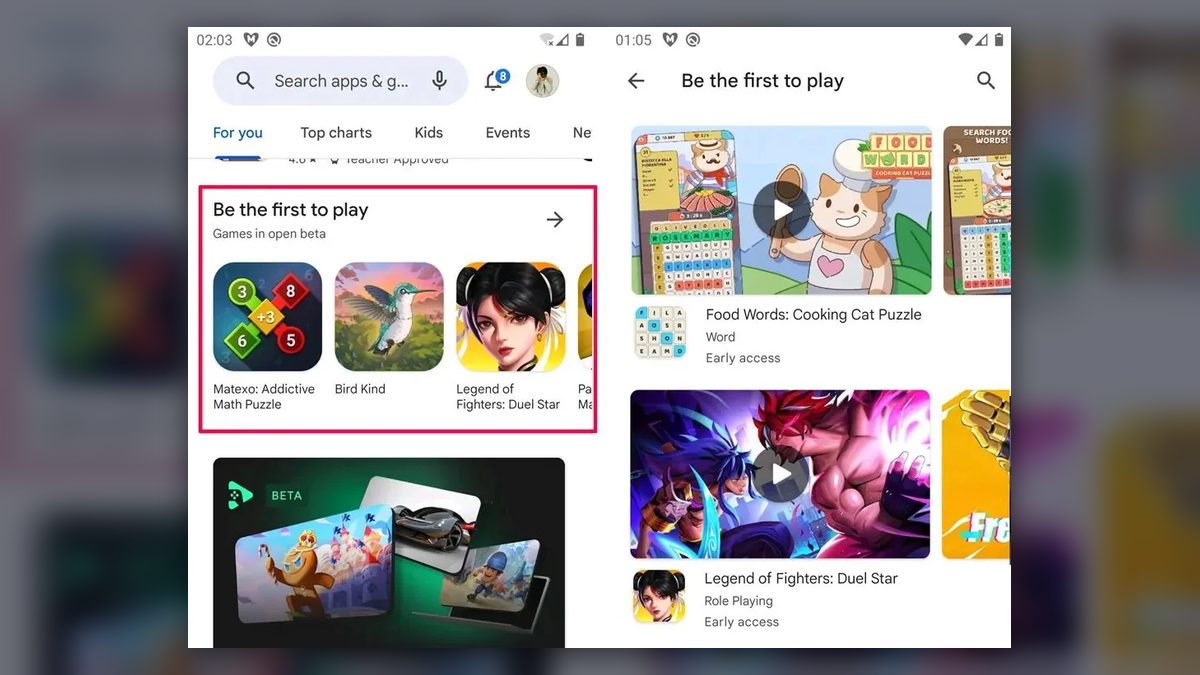
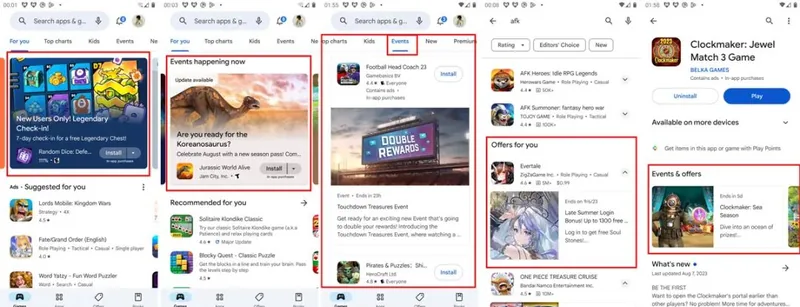
6 Keys to Valid Google Play Store Listing Experiments
Six points that decide whether Google Play store listing experiments give results you can trust, from one-variable tests to a 95% confidence level.
In this article6 sections
Google Play store listing experiments, the platform’s A/B testing feature, have long been a tool developers use often, and one that lifts CVR noticeably. Even so, many developers run into trouble with it: tests that never reach the confidence threshold, results that keep showing no difference, or a clear winner that changes nothing once it is applied to everyone. This article covers six practical tips to help with these problems.
Start with a clear direction
Many developers go about A/B testing in the wrong order. They have no plan and start a test blindly, on hunches like “that icon is better,” “that image is better” or “this wording here is more appealing.” The usual result is no difference at all, or a difference nobody can explain, so they don’t dare apply it.
In practice, an A/B test should follow this path:
- Set a clear goal for the test. In most cases the goal is raising CVR (conversion rate).
- Based on that goal, form a hypothesis: decide which factors, or what kind of change, could reach it. This narrows down what you need to test. A hypothesis such as “switching the icon to a yellow palette will raise CVR” is clear and specific, and it makes testing far more efficient.
- Based on the hypothesis, change the factor in question (for example, recolor the icon in yellow tones) and start the test.
- Analyze the results against the goal and the hypothesis, drawing on real-world experience.
Following this path means that for the whole test you know exactly what you want and what to watch. When you analyze the data, you can also judge it objectively instead of being swayed by misleading numbers.
Don’t test worldwide
Going global is a very broad idea that covers a great many countries. The core markets alone (the United States, Canada, Australia, the UK, Germany, Japan, South Korea and others) already differ a great deal culturally, never mind the hundreds of countries out there.
So when you start an A/B test, we strongly recommend grouping only countries without cultural differences into one test. If your user volume is large enough, it’s best to test in just one core country. That is what makes the results reliable. Otherwise, you end up with a test that shows a clear difference but has no effect once applied.
Don’t copy Google Play winners straight to iOS
Experienced developers know that iOS and Android users behave broadly alike in games but differ a lot in the details. iOS users, for example, expect more from the art style than Android users do, and iOS players are more demanding about a game’s details and overall experience. So we strongly advise against applying Google Play test results directly to iOS. If possible, run the test again on iOS and see what the data says.
Test images before text
The test order we recommend:
- Screenshots
- Icon
- Trailer
- Text elements
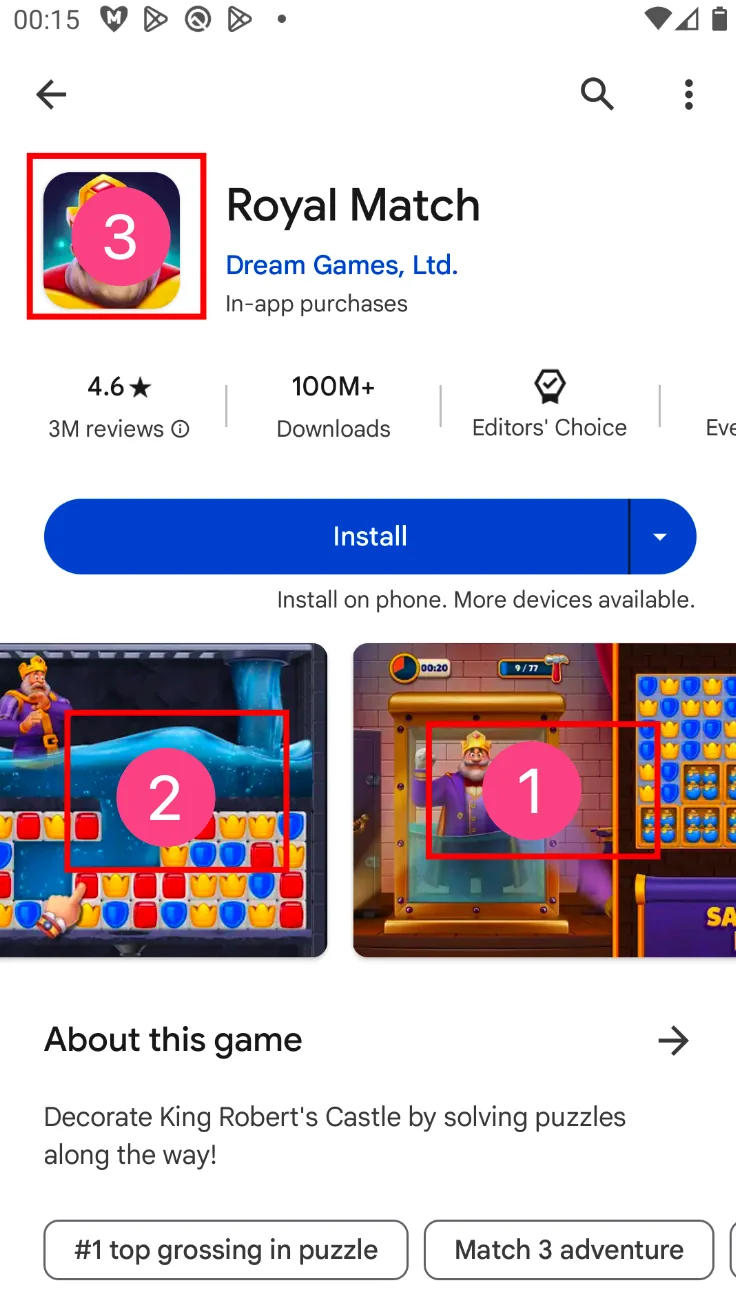
The reason is that players spend little time on a store page deciding whether to download, so they only notice the big elements. Screenshots and the icon take up the most visual space and have the biggest influence on players, so testing these two first is strongly recommended.
The trailer comes after images because most developers can’t produce an appealing CG one. A trailer of plain gameplay will most likely do worse than simply showing screenshots, which is also why many developers skip the trailer in the early days after launch.
Test one variable at a time, for at least a week
Leaving Google Play aside and looking at A/B testing in general, a few numbers matter a lot:
1. User volume. The number of users has to reach a large enough scale before a real difference can show up; otherwise you are only seeing normal fluctuation. That’s why every test should run for at least a week, though it also depends on volume: with only 30 new users a day, a test has to run for a very long time. Aim for at least 200 users per group over one week.
2. Only one variable. With several variables, if the data shows a difference, there is no way to tell which factor caused it, and the test becomes worthless. So keeping it to a single variable is strongly recommended.
3. P-value. This is a standard mathematical measure with its own formula. The calculated p-value has to be below 0.05 for the test to be valid; otherwise it is not. In the Google Play Console, though, Google makes this call for you to save developers the learning curve.
4. Confidence level and confidence interval. These only mean something once the p-value meets the condition. They mainly show how big the difference in the data is; more on this below.
Choose a 95% confidence level
As mentioned earlier, confidence level and interval are among the most important numbers in an A/B test, and Google Play offers several options for viewing results.
Generally speaking, the confidence level is the probability that the result is correct, and the confidence interval is the size of the difference. For example: there is a 90% probability that Group A beats Group B by 10%–15%. In theory, then, a higher confidence level is better, but a higher level also needs more data, and 99% is usually very hard to reach. So for A/B tests, we recommend the industry-standard 95% confidence level.
Those are the six tips for Google Play A/B testing. Keep them in mind, pair them with bold hypotheses, and you should all be able to raise your CVR.